



A spooky makeup artist
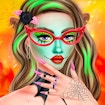
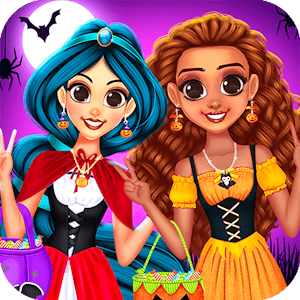
Makeup Studio – Halloween lets you build a scary or stylish Halloween look from scratch. Pick a character, apply face paint, eye makeup and lips, then add accessories such as horns, hats or jewellery. A guide helps you get started, but the final design is entirely yours.
There is no timer and no score, so you can take your time with every detail.
Controls
- Click a makeup tool or colour to select it.
- Drag over the face to apply it.
- Use the accessory menu to add props at the end.
- Start again any time to try a new theme.
Mistakes to avoid
- Subtle colours: bold, contrasting shades read much better for Halloween.
- Adding accessories too early. Finish the makeup first, then decorate.
- Mixing three monster themes in one face. Pick one, such as vampire or skeleton, and commit.
For costumes to go with your makeup, explore the Halloween dress ups in our Dress Up & Avatar Games.